STASH
Kids earn tokens. They choose the reward.
Stash is a digital token economy for your family. Award tokens for what matters, and watch your kids save up for games, videos and real-life treats.
Create a family accountHow it works
Give tokens for chores, schoolwork and good moments.
Your kid picks a reward from the ones you set up.
Press approve, or let them tap a wristband or scan a code.
Rewards worth saving for
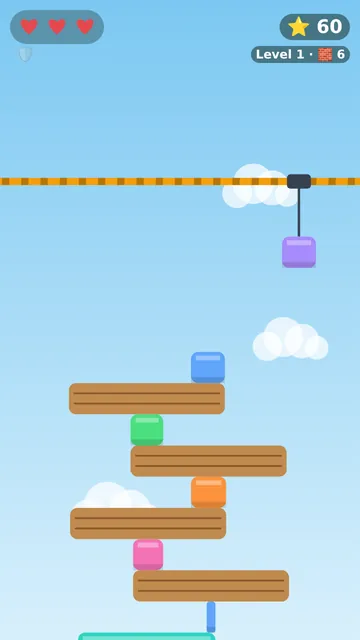
Tower Stack
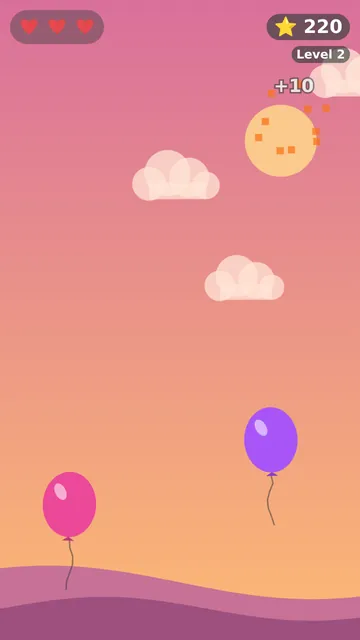
Balloon Pop
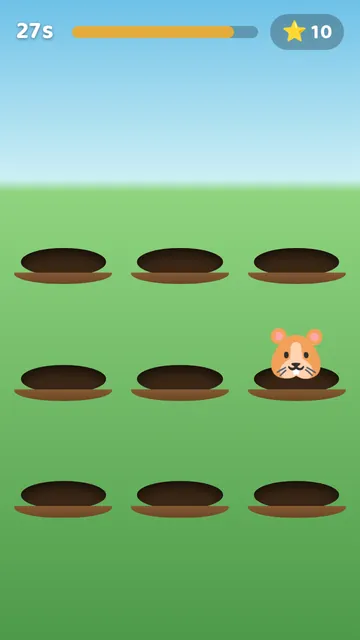
Critter Whack
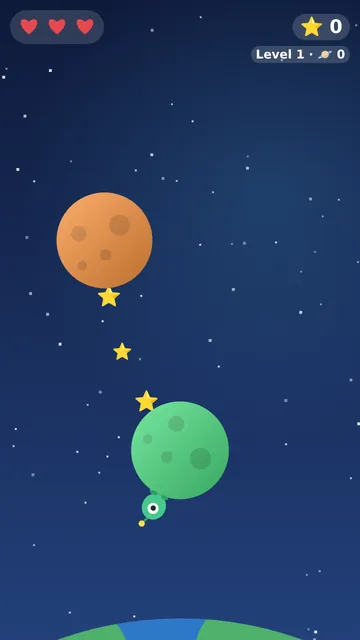
Planet Hop
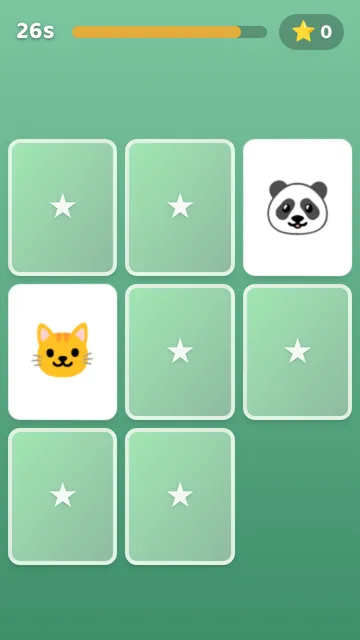
Memory Match
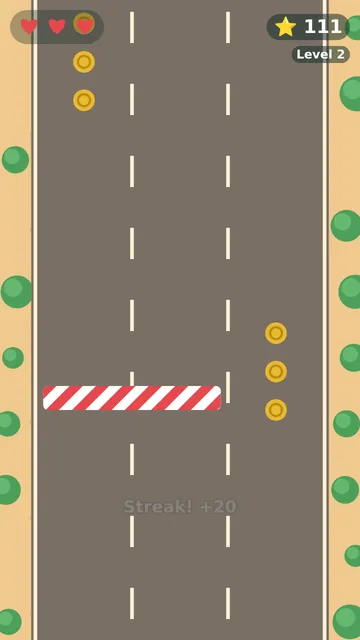
Lane Dash
- Mini games
- Eight games to play, with the time and daily limits you choose.
- Videos
- Whole videos or timed watching, from a list you approve.
- Real life
- Ice cream, a park trip, a later bedtime. Add a photo so they can see it.
Ready to level up? Wire a station to real equipment, and a wristband tap sets off a bubble machine, a light show or a candy dispenser.
Built for the whole family
Tasks and worksheets
Assign chores, or math and spelling worksheets that grade themselves.
The whole family
Grandparents, aunts and uncles get their own login and can award tokens too.
Every token tracked
See every award and redemption, and download it as a CSV to share.
Start your family's Stash
Add it to your home screen and it opens like any other app.
Create a family accountHow to add it to your phone
iPhone or iPad
- Open this page in Safari.
- Tap the Share icon.
- Tap "Add to Home Screen", then "Add".
Android
- Open this page in Chrome.
- Tap the menu (⋮) in the top right.
- Tap "Install app" and confirm.